


Sign in to enhance photos
Create a free account to start enhancing listing photos and save them to your gallery.

Sign in to view your gallery
Your saved photos live under your account once you're logged in.
Library
Every photo you've enhanced or sky-swapped, saved right here so you can browse past work.
The AI Suite
Every tool below is real and working today — nothing here is a placeholder.
Six focused tools, built around exactly what real estate listings need — nothing extra.
 BEFORE
AFTER
BEFORE
AFTER

 BEFORE
AFTER
BEFORE
AFTER
 BEFORE
AFTER
BEFORE
AFTER
 BEFORE
AFTER
BEFORE
AFTER

 BEFORE
AFTER
BEFORE
AFTER
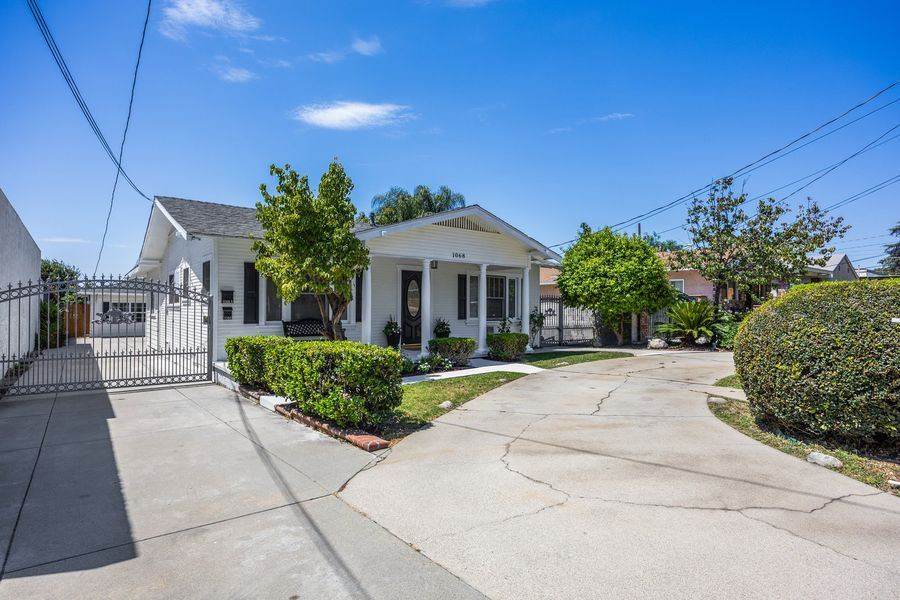
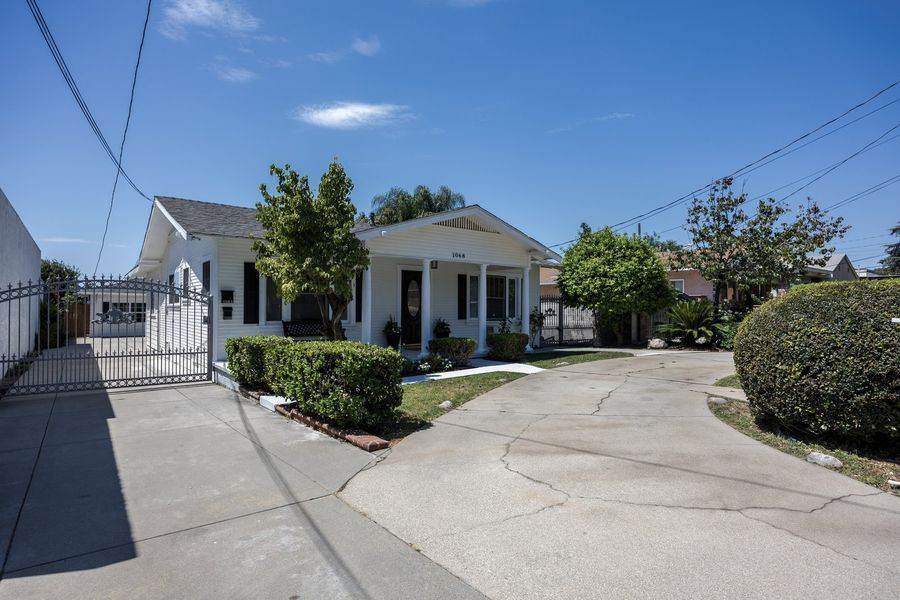 BEFORE
AFTER
BEFORE
AFTER
Talk to us directly — open a Support ticket and tell us what you're trying to do.
Choose the plan that
fits your workflow.
Subscribe for the lowest per-credit price with rollover, or buy a pack that never expires — no commitment either way.
- AI Editing, Lawn Replacement, Declutter & Virtual Twilight
- ~30 photo enhances + 20 AI edits, mixed
- Full-resolution downloads
- Priority support
- Everything in Professional
- ~150 photo enhances + 100 AI edits, mixed
- Priority processing for large batches
- Dedicated support
- Every AI tool, no subscription
- Full-resolution downloads
- Unlocks free trial on Professional & Studio
- Every AI tool, no subscription
- Full-resolution downloads
- Stacks with any existing balance
- Every AI tool, no subscription
- Full-resolution downloads
- Good for a busy season, no commitment
- Every AI tool, no subscription
- Full-resolution downloads
- Lowest $/credit we offer outside a subscription
Refer a Friend, Both Get 50 Credits
When someone you refer purchases a subscription or credit pack, you both receive 50 bonus credits. Log in to get your unique referral link — just copy and share it.
When someone you refer purchases a subscription or credit pack, you both receive 50 bonus credits — automatically, no code to redeem.
Your Referral Link Stats
Your personal tracking link — clicks, unique visitors, and what you've earned so far.
Resources
Everything you need to know about Rawport AI — from your first upload to managing your subscription.
What is Rawport AI?
Rawport AI is a web-based AI photo enhancement platform built specifically for real estate listings. It runs entirely in your browser — no installation required — and connects to advanced third-party AI models to enhance and edit listing photos.
Built for agents and photographers who need listing-ready photos fast, without the cost or turnaround time of manual editing.
System Requirements
| Requirement | Minimum |
|---|---|
| Device | Any device with a modern web browser (desktop or mobile) |
| Browser | Latest Chrome, Safari, Firefox, or Edge |
| Internet | Stable connection required for AI processing |
| Installation | None — runs entirely in-browser |
Creating Your Account
- Click Log In / Sign Up and fill in your name, email, and a password.
- Check your email for a confirmation link — you'll need to confirm before you can log in.
- Once confirmed, log in and you're ready to go.
Forgot your password? Use the "Forgot password" link on the login screen to receive a reset email.
App Layout Overview
- Sidebar — navigation between Studio, Library, Platform, Plans, Resources, and Support. Also shows your credits balance, plan, and account.
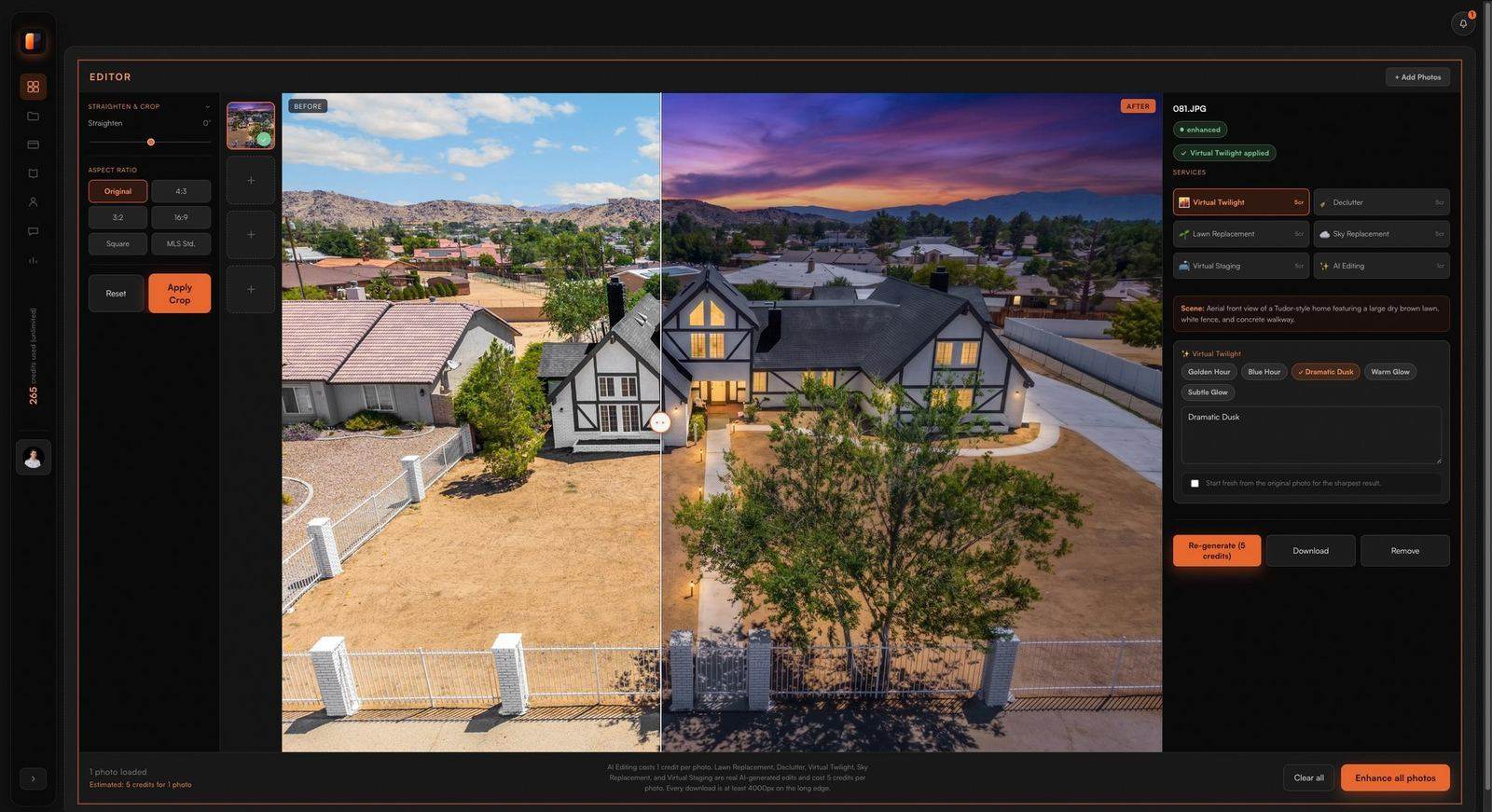
- Studio tab — your main workspace, the Editor: a Services panel to pick a tool, manual Adjustments sliders, the photo canvas, and a filmstrip for switching between multiple uploaded photos.
- Top bar — just the notification bell. Your credits balance and plan live in the sidebar instead.
The layout is fully responsive — on mobile, the sidebar becomes a slide-in drawer.
Uploading Photos
- Drag & drop photos onto the dropzone on the Studio tab.
- Click the dropzone to browse your files.
- Your 5 most recently uploaded photos also appear in a Recent Uploads strip for quick access.
Uploaded photos stay in the current session's grid — navigating away from Studio clears the grid (unless something's actively processing), so start a shoot's edits in one sitting.
Choosing a Tool
The Editor's Services panel has 6 tools:
| Tool | Type | Cost |
|---|---|---|
| AI Editing | Quick adjustment | 1 credit |
| Lawn Replacement | AI generative edit | 5 credits |
| Declutter | AI generative edit | 5 credits |
| Virtual Twilight | AI generative edit | 5 credits |
| Sky Replacement | AI generative edit | 5 credits |
| Virtual Staging | AI generative edit | 5 credits |
Clicking a tile prefills its description box on every uploaded photo with that tool's default prompt — edit the text if you want to steer the result (e.g. "keep the fireplace" for Declutter).
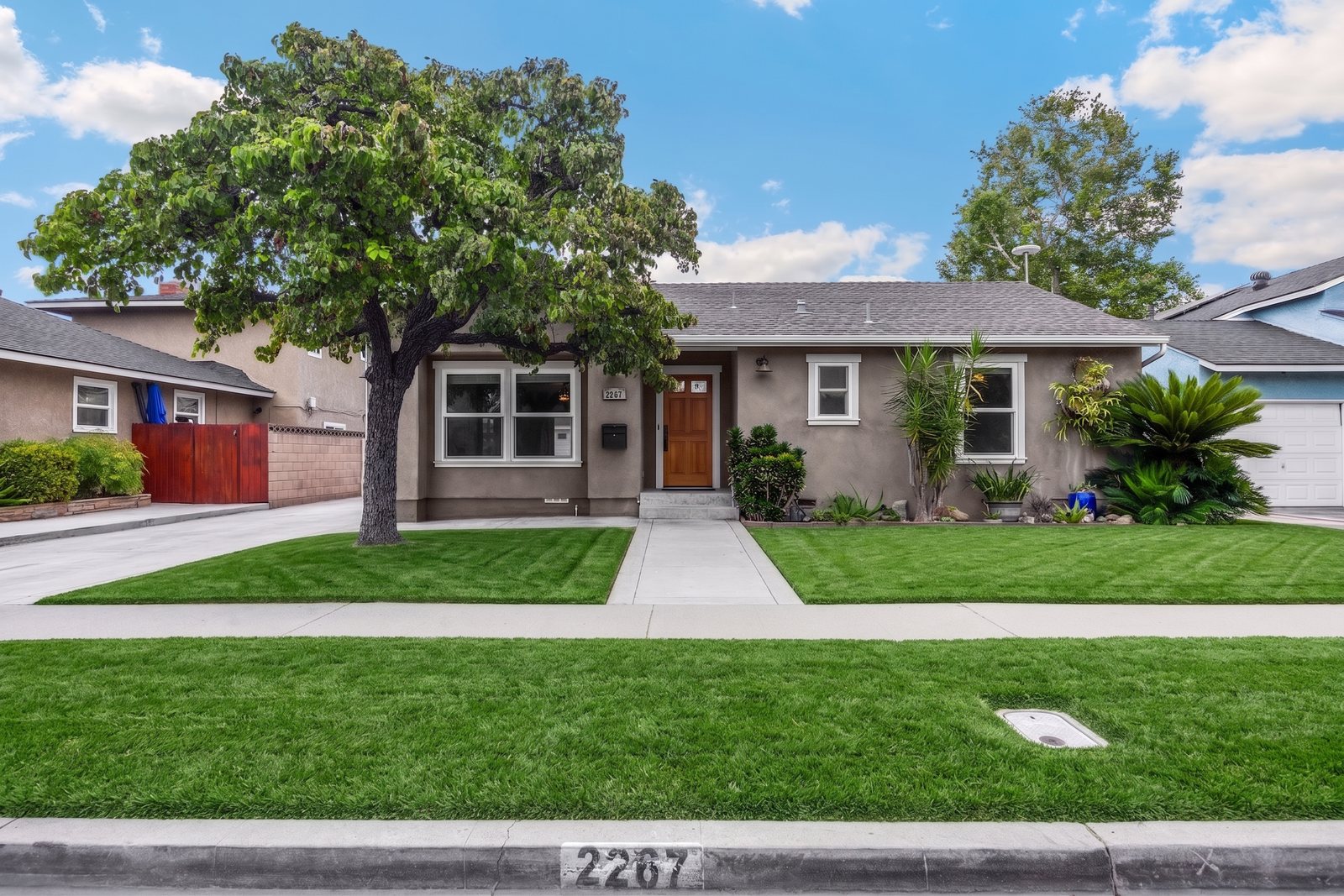
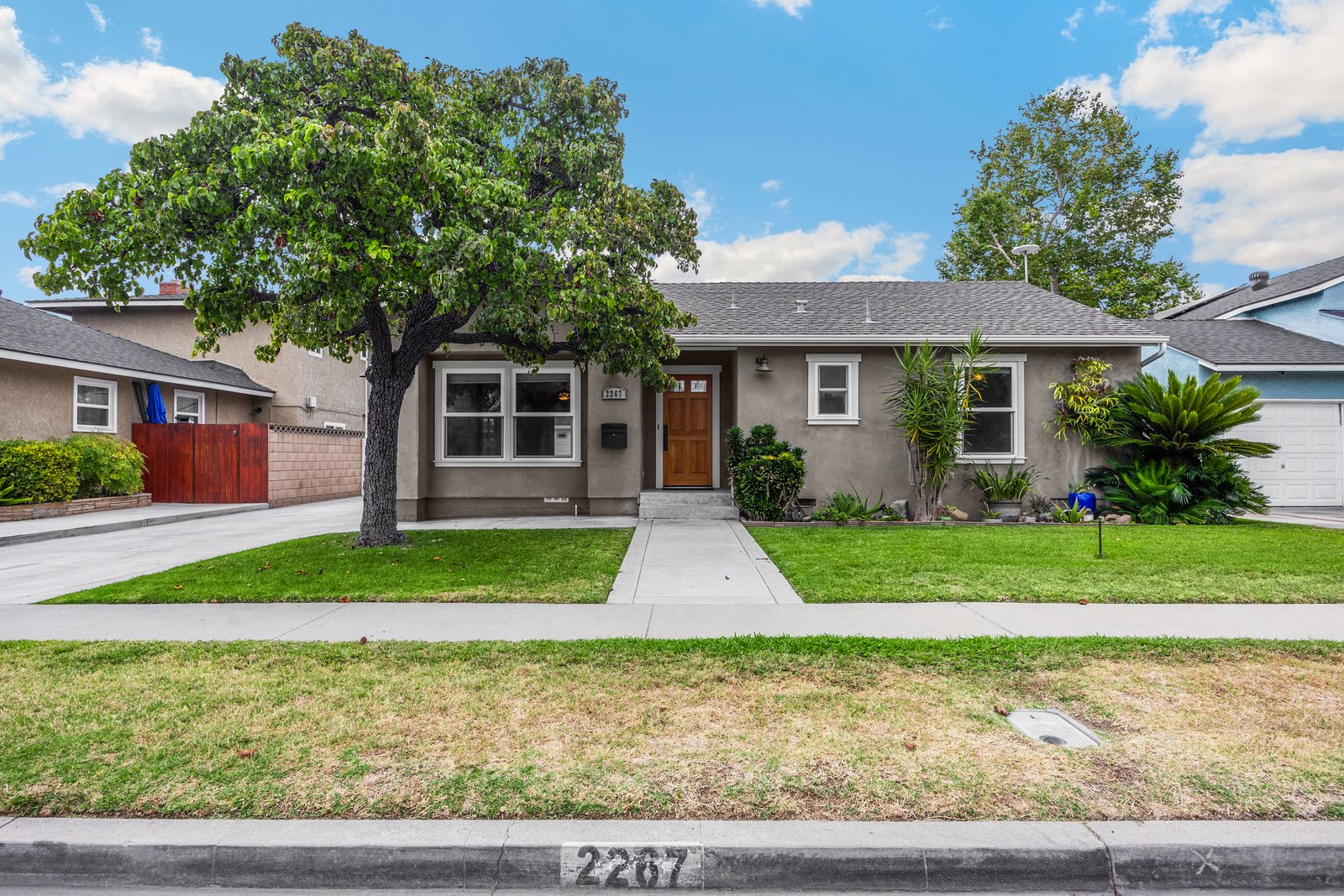
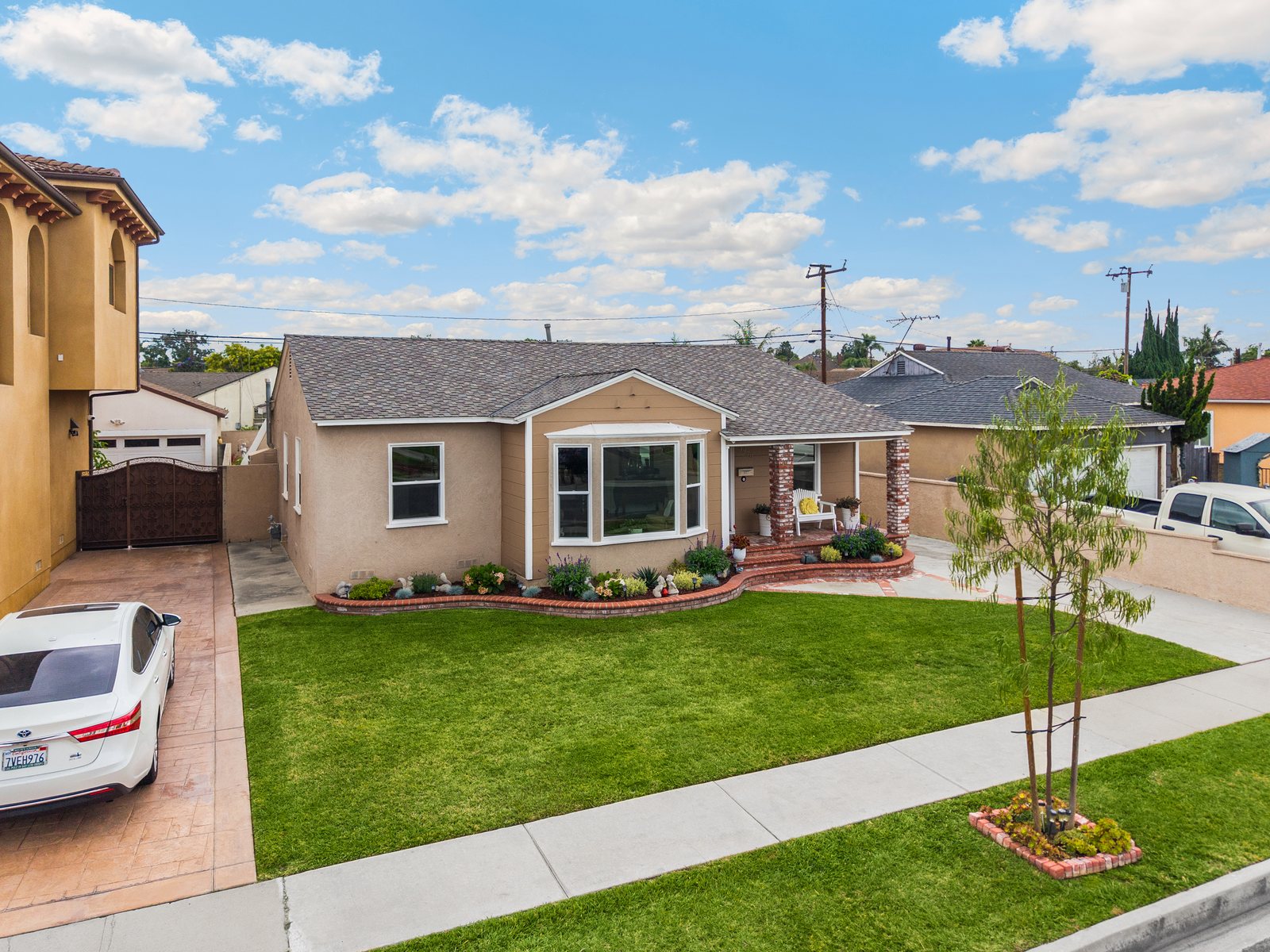
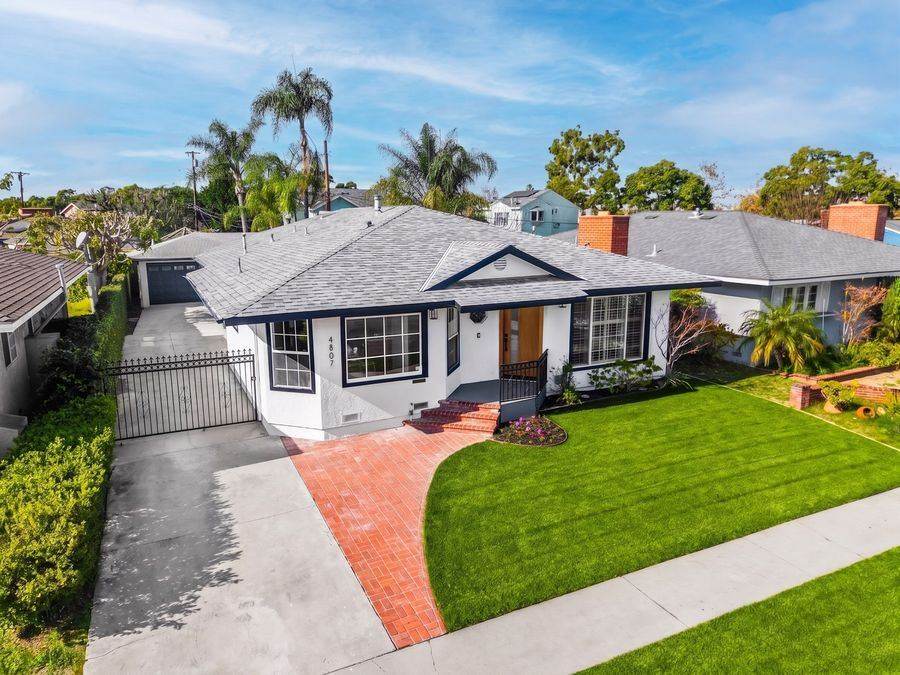
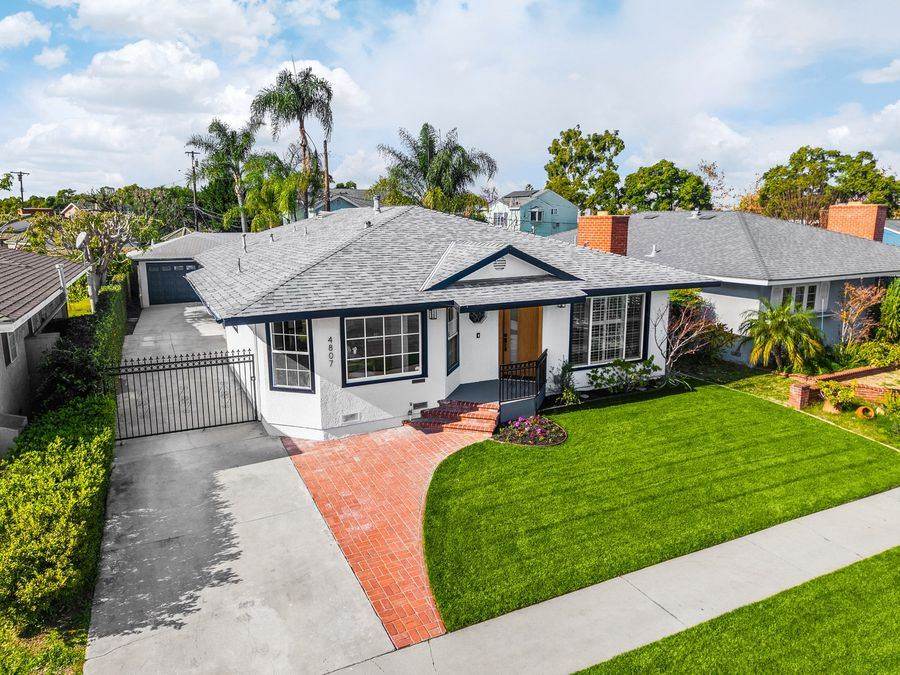
AI Editing analyzes your photo and applies a tailored recipe — brightness, contrast, warmth, and sharpening tuned to that specific image, not a fixed filter. Lawn Replacement, Declutter, and Virtual Twilight actually regenerate the affected part of the image using an advanced third-party AI image model — real new pixels, not a local filter.
Alongside Services, the Editor also has an Adjustments panel with manual sliders (Exposure, Contrast, Highlights, Shadows, Warmth, Saturation) for fine-tuning any photo by hand, independent of the AI tools.
Have a job that doesn't fit these six? Use the "Talk to Us" link on the Studio tab to reach Support directly.
Running an Enhance
- Upload your photo(s).
- Select a tool from the grid.
- (Optional) Adjust the prefilled description on any photo.
- Click Enhance on an individual photo, or Enhance All to run every uploaded photo through the same tool in one click.
- The result appears with a before/after slider — download when you're happy with it.
A tool must be selected before Enhance will run — you'll see a prompt to pick one first if you skip this step.
Batch Processing
Use Enhance All to run every photo currently in your grid through the same selected tool in a single click — useful for applying one consistent look (like AI Editing) across an entire shoot before moving on to per-photo generative edits.
Once multiple photos have finished, a Download All button appears next to Enhance All, letting you save every finished result in one click instead of downloading each photo individually.
Before/After Compare
Every result includes a drag-to-compare slider so you can check the edit against the original before downloading. Downloads are always at least 4000px on the long edge — your original resolution if it's already larger, upscaled if it's smaller — so every export is MLS-ready.
How Credits Work
Rawport AI runs on a single shared credit pool per account. Every action costs credits from that same pool: 1 credit for AI Editing, 5 credits for Lawn Replacement, Declutter, or Virtual Twilight — reflecting the real cost difference between a quick recipe adjustment and a full AI image generation.
Subscriptions
| Professional | Studio | |
|---|---|---|
| Price | $39/mo | $149/mo |
| Credits | 150/mo | 650/mo |
| Signup bonus | +15 credits, once | +50 credits, once |
| Rollover | Up to 1 extra month's worth | Up to 1 extra month's worth |
| Support | Priority | Dedicated |
Unused credits roll into your next billing period, capped at one extra month's worth (so your balance can never exceed 2x your monthly allotment). Cancel anytime — changes take effect on your next billing cycle.
One-Time Credits
One-time purchases — no subscription, credits never expire, and they stack on top of any existing balance:
| Pack | Credits | Price | Per Credit |
|---|---|---|---|
| Starter | 40 | $9 | $0.225 |
| Pro | 160 | $38 | $0.238 |
| Premium | 460 | $99 | $0.215 |
| Enterprise | 1,500 | $269 | $0.179 |
Buying a pack never downgrades or resets an active subscription — it just tops up your balance.
Free Trial
Every Professional/Studio subscription includes a one-time 10-credit free trial, available once you've purchased at least one credit pack. This lets you try a subscription's tools before committing to the recurring charge.
New accounts start with 5 free credits automatically — no purchase required. Make your first purchase (any credit pack or subscription) and you'll get 5 more credits as a thank-you, on top of whatever you bought. Together, that's enough to try AI Editing on several photos, or a couple of full generative edits (Lawn Replacement, Declutter, or Virtual Twilight), before deciding on a plan.
Library
Your enhanced photos are saved to a local, on-device gallery — there's no cloud photo storage. This is a deliberate choice: your listing photos never leave your device once processed, and nothing about your gallery syncs across devices or browsers.
Notifications
The bell icon in the top bar shows real-time notifications for photo/AI-edit completions, low-credit and out-of-credit warnings, and new Support activity — with an unread count badge and a short audio alert.
Support Tickets
Use the Support tab to open a ticket directly in the app — no separate email needed, just message us right here. You'll see replies right in the same thread, with an unread badge so you never miss a response.
Tips & Best Practices
- Use AI Editing first on every photo in a shoot, then apply Lawn Replacement, Declutter, or Virtual Twilight selectively where needed — this keeps credit spend efficient.
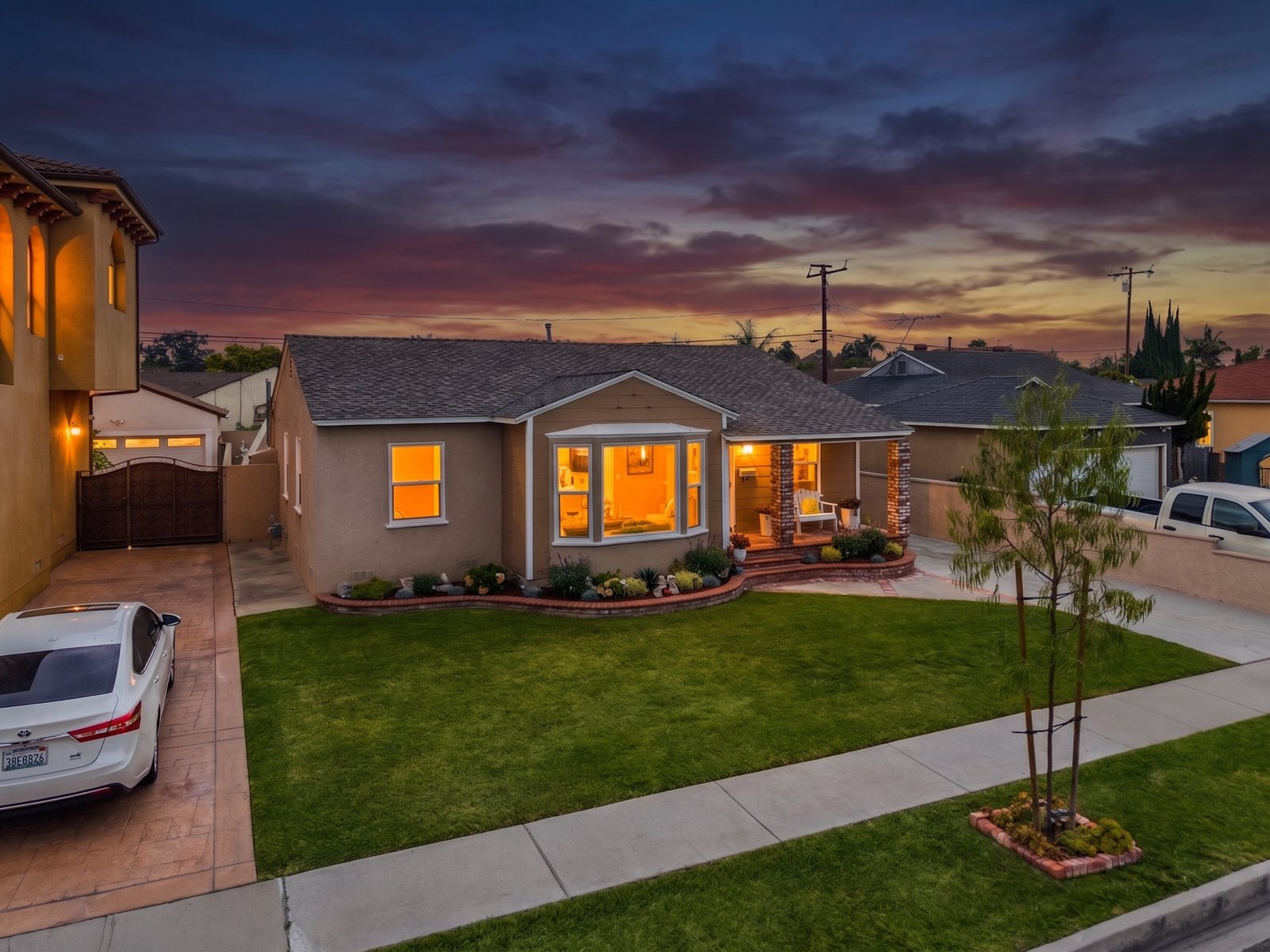
- Write specific descriptions for generative edits: "warm twilight, golden window glow" beats leaving the default prompt untouched if you have a particular look in mind.
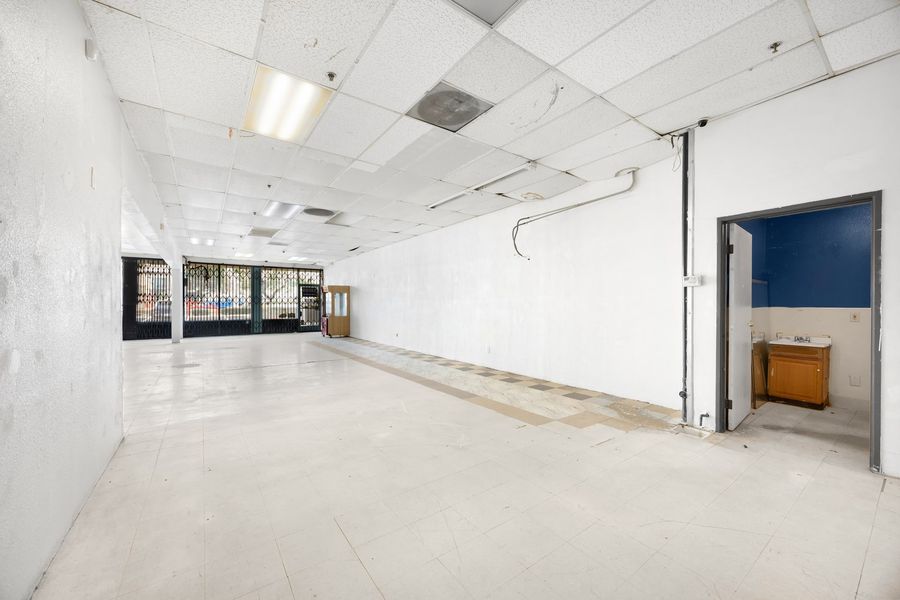
- For Declutter, name exactly what to remove ("trash cans and the garden hose") for a cleaner result.
- Use Enhance All for quick adjustments across a whole shoot, and switch to per-photo runs for generative edits that need individual descriptions.
- Credit packs never expire — buy ahead of a busy season without worrying about losing unused credits.
Troubleshooting
About Rawport AI
Rawport AI is an AI-powered editing platform built for professional real estate photographers and photo editors.
Developed from years of real production experience, Rawport AI is designed to simplify repetitive editing tasks while preserving the quality, consistency, and creative control that professionals rely on. Every workflow and feature is built to solve practical production challenges faced in high-volume real estate photography.
Rather than replacing photographers and editors, Rawport AI serves as a production tool that helps streamline the editing process, reduce manual work, and improve overall efficiency.
The result is a faster, smarter workflow that helps professionals meet demanding deadlines, increase productivity, and deliver consistently high-quality images with confidence.

For years, I worked as a real estate photo editor in a high-volume production environment, where every project required consistent quality, fast turnaround times, and attention to detail. Like many editors, I spent countless hours repeating the same workflow while working to meet demanding deadlines.
That experience showed me that the biggest challenge wasn't the editing itself—it was the amount of time spent on repetitive tasks. I saw an opportunity to use AI in a way that supports professional editors instead of replacing them.
Rawport AI was built with that vision. It automates repetitive parts of the editing process so photographers and editors can work more efficiently, complete more projects, and maintain the quality their clients expect.
I believe technology should enhance creativity, not replace it. Rawport AI is designed to give professionals more time to focus on the work that matters most.
These numbers reflect Roel's real estate photo editing career — the same standards Rawport AI's tools are built around. Rawport AI's own AI edits run in seconds, not 18 hours.
Sign in to message Support
Your conversation is tied to your account, so we need you signed in first — then it's a real back-and-forth right here in the app, no separate email needed.
Support
Send us a message and we'll reply right here in the app — no separate email needed.
Policies & Terms
Everything you need to know about how rawport.ai operates, protects your data, and handles purchases.
Terms of Service
Last updated: July 2026
1. Acceptance of Terms
By creating an account or using rawport.ai ("the Service"), you agree to these Terms of Service. If you don't agree, don't use the Service.
2. What the Service Does
rawport.ai provides AI-powered photo enhancement tools for real estate listing photos, including AI Editing, Lawn Replacement, Declutter, and Virtual Twilight. Results are generated by third-party AI models and may vary in accuracy or quality.
3. Your Content
You retain ownership of the photos you upload. By uploading a photo, you confirm you have the right to use and edit it, and you grant us permission to process it solely to provide the Service to you. We don't use your photos to train AI models, and we don't claim ownership of your enhanced results.
4. Accuracy & Disclosure
AI-enhanced real estate photos (particularly Virtual Twilight, Lawn Replacement, and Declutter) can materially change how a property appears. You are responsible for using these tools honestly and complying with any disclosure requirements from your MLS, brokerage, or local real estate regulations regarding digitally altered listing photos.
5. Credits & Billing
The Service runs on a credit system described on our Plans page. Subscriptions renew automatically until canceled. Credit packs are one-time purchases. Prices, credit costs, and plan details may change with notice posted on the Plans page.
6. Acceptable Use
Don't use the Service to process photos you don't have rights to, to generate misleading or fraudulent listing content, or to attempt to abuse, reverse-engineer, or overload the Service.
7. Service Availability
We aim for reliable uptime but don't guarantee the Service will be uninterrupted or error-free. AI generation depends on third-party providers outside our control.
8. Limitation of Liability
The Service is provided "as is." To the extent permitted by law, we aren't liable for indirect, incidental, or consequential damages arising from your use of the Service.
9. Changes to These Terms
We may update these Terms from time to time. Continued use of the Service after changes means you accept the updated Terms.
Privacy Policy
Last updated: July 2026
1. What We Collect
When you create an account, we collect your name and email address. When you use the Service, we process the photos you upload in order to enhance them. We also collect basic usage data (credits used, which tools you use) to run your account and provide support.
2. What We Don't Do
We don't sell your personal data. We don't use your uploaded photos to train AI models. We don't store your photo gallery in the cloud — your Gallery is saved locally on your own device/browser only, not on our servers.
3. Third-Party Processing
Photo enhancement is performed using a third-party AI image processing provider — your photo is sent to that provider's API to generate the result, subject to their own API data handling terms. Billing is processed by Lemon Squeezy, our payment provider, who receives the payment information necessary to process your purchase.
4. Data Retention
Your account record (email, name, plan, credit balance) is retained for as long as your account is active. Support tickets are retained to maintain a record of past conversations. You can request account deletion at any time via Support.
5. Cookies & Local Storage
We use browser local storage (not tracking cookies) to keep you logged in and to store your Gallery and notification history locally on your device.
6. Your Rights
You can request a copy of your data, request corrections, or request deletion of your account at any time by contacting us through the Support tab.
7. Security
We use industry-standard practices (encrypted connections, secure authentication via Netlify Identity) to protect your account, but no system is 100% secure.
8. Changes to This Policy
We may update this Privacy Policy from time to time. Material changes will be reflected here with an updated date.
Refund Policy
Last updated: July 2026
Credit Packs (Starter, Pro, Power, Agency)
Credit packs are one-time purchases. Because credits can be used immediately after purchase, packs are non-refundable once any credit from that pack has been used. If you haven't used any credits from a pack, contact Support within 7 days of purchase for a refund.
Subscriptions (Professional, Studio)
Subscriptions renew automatically each billing period. You can cancel anytime from the Plans tab — cancellation takes effect at the end of your current billing period, and you'll keep access until then. We don't provide partial refunds for unused time in an active billing period, except where required by law.
Failed or Incorrect AI Results
AI-generated edits don't always turn out perfectly — this is a known limitation of current AI image models, not a service failure. If a specific generation clearly failed to run (e.g., a server error, not just a result you don't love), contact Support with the details and we'll look into crediting the affected generation.
Billing Errors
If you were charged incorrectly (duplicate charge, wrong amount), contact Support right away — legitimate billing errors are refunded in full.
How to Request a Refund
Open a Support ticket from the Support tab with your order details. We aim to respond within a few business days.
Questions about any of these policies? Reach out through the Support tab.
Dashboard
Every client, their plan and usage, plus revenue and search performance — visible only to accounts with the admin role.
Clients
"Usage" shows credits used against each client's current limit — 1 credit per AI Editing use, 5 per AI-generated edit (Lawn Replacement, Declutter, Virtual Twilight). "Total Paid" is their lifetime spend across Starter, subscriptions, and renewals, captured directly from Lemon Squeezy events. "Visits" counts how many times they've opened the app while logged in (hover for their last visit date) — useful for spotting who's gone quiet. This page is only visible to accounts with the admin role.
| Name | Edit | Plan | Status | Usage | Total Paid | Visits | Since | Referral | Actions |
|---|
No clients yet, or admin data couldn't be loaded — check the README for how to grant your account the admin role.
My Accounts
No accounts saved yet.